Wallet services
The Wallet Services tab lets you configure the wallet interface and funding options presented to your users. All settings here are applied through the dashboard with no SDK changes required.
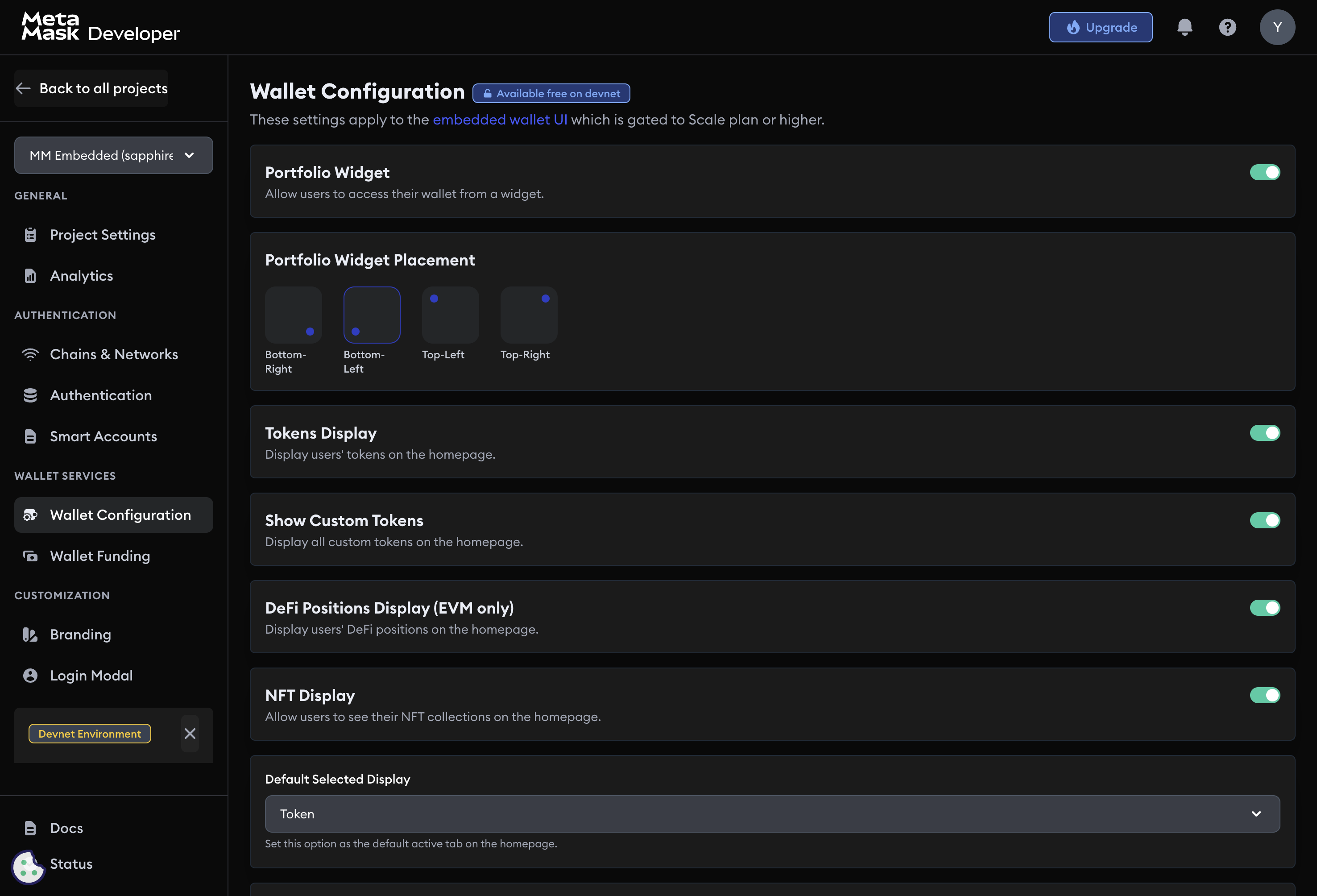
Customize wallet UI
Portfolio widget
Enable or disable the portfolio widget, which shows token balances, transaction history, and wallet analytics.
Widget placement
Choose where the wallet widget appears in your dapp:
- Bottom right
- Bottom left
- Top left
- Top right
Token and NFT display
Configure whether users can view token balances and NFTs in the wallet interface.
Wallet features
Toggle individual wallet actions:
- Buy: lets users purchase crypto through integrated on-ramps.
- Swap: enables in-wallet token swaps through supported liquidity protocols.
- Send/Receive: enables peer-to-peer asset transfers.
- WalletConnect: lets users connect to external dapps that support WalletConnect.
Transaction confirmation modal
When enabled, users must approve each transaction through a confirmation modal before it is submitted.
Wallet service configuration applies across your application without additional SDK code changes.
Wallet funding
The Wallet Funding section configures how users can add funds to their embedded wallets.
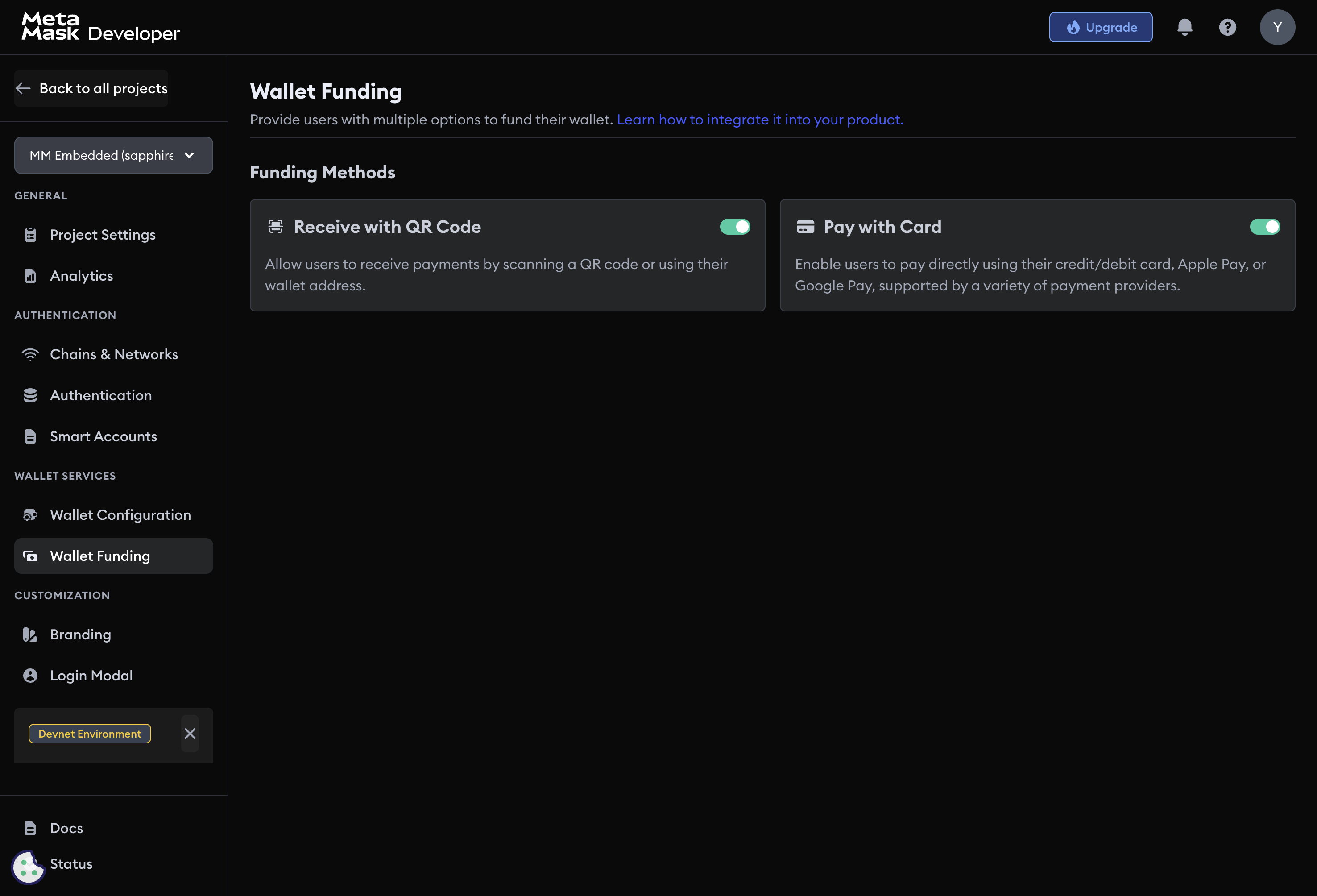
Receive with QR code
Lets users receive payments by sharing a QR code or wallet address.
Pay with card
Lets users purchase crypto with a credit or debit card, Apple Pay, or Google Pay through integrated payment providers. This is a Scale plan feature.